


PolyWorks|ReportLoop™ connects dimensional inspection data to the reporting tools your quality team already uses. Link inspection results to Excel templates or use PolyWorks|DataLoop™ to build Power BI dashboards for production and quality review.
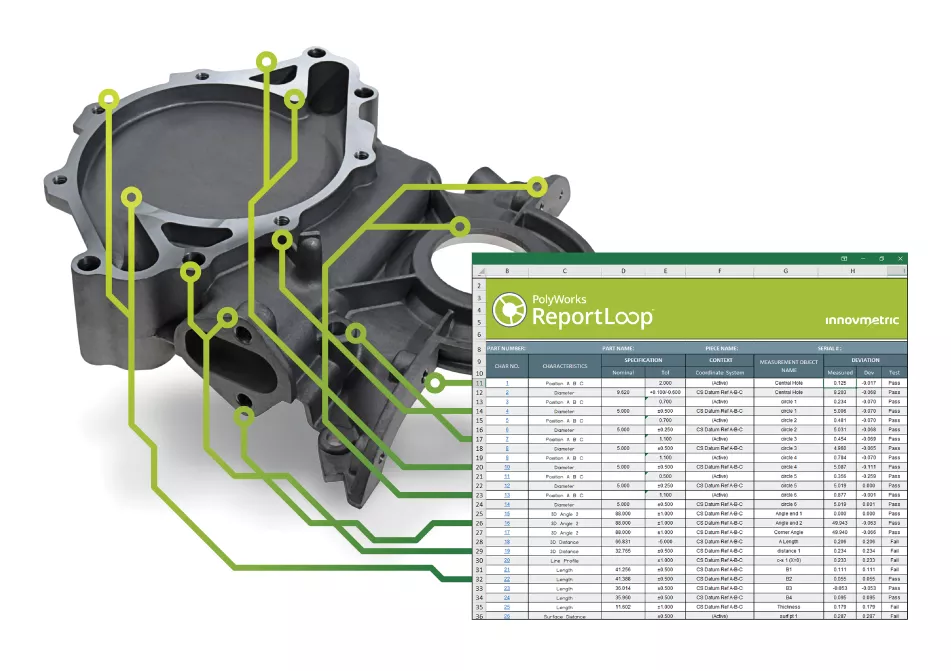
Work with an active PolyWorks Inspector session or connect to a DataLoop server, depending on your reporting setup.
Link Excel cells to project and piece properties, dimensional controls, control views, tables, or snapshots.
Keep your approved workbook layout and use linked values and formulas to populate it for future inspections.
Update linked Excel values as the inspection data changes. For Power BI, configure refresh for published reports using your DataLoop connection.

Product imagery from InnovMetric.
Populate existing Excel templates with measurement results, part identifiers, and annotated inspection views. Keep the layout your customers or internal teams expect.
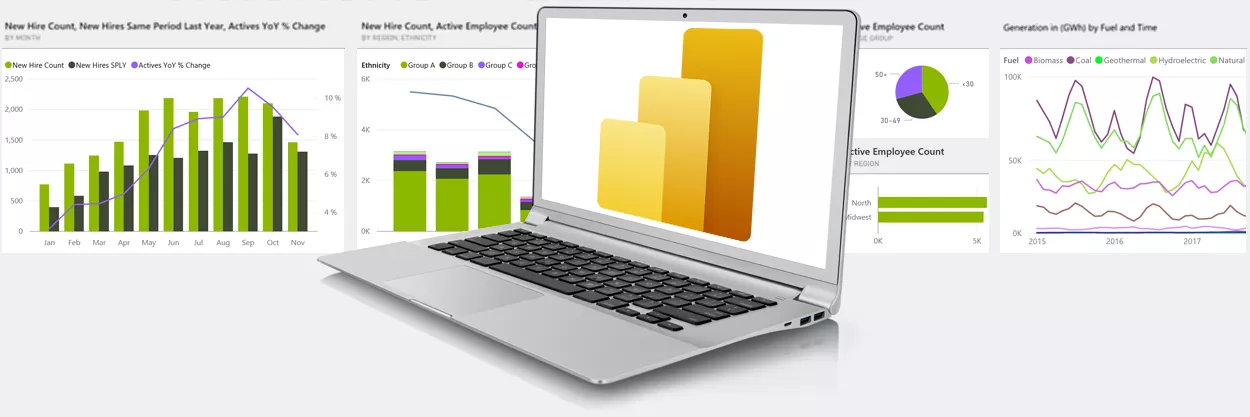
Use Power BI filters and queries to retrieve the relevant measurement records from DataLoop. Build dashboards to track selected dimensions, variation, or trends across lots.
Use Inspector’s measurement system analysis workflow to run repeatability or Gauge R&R studies, then publish the results to a compatible Excel template.
| Integration | Connection | Compatibility |
|---|---|---|
| Excel for Inspector | Local PolyWorks installation | Supported 64-bit desktop Excel. Run on the same computer as the PolyWorks Metrology Suite or PolyWorks Reviewer. |
| Excel for DataLoop | PolyWorks DataLoop server | Supported Microsoft 365 desktop or Office web apps. |
| Power BI | PolyWorks DataLoop server | Supported Power BI Desktop. See InnovMetric’s specifications for gateway and version requirements. |
InnovMetric offers a free Excel add-in. For a demo, bring a sample inspection project or report template and tell us whether you use Inspector locally or retrieve results through DataLoop.


