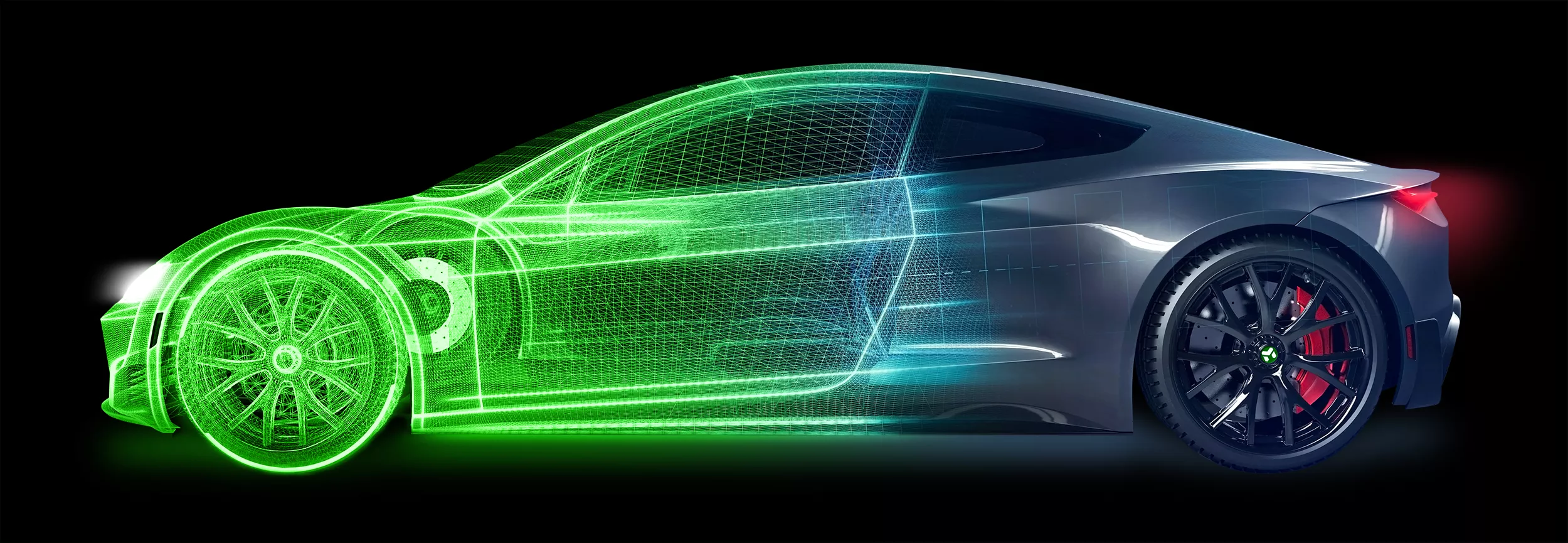
PolyWorks|Modeler™ is InnovMetric’s reverse engineering software for working with scanned parts. Turn point clouds into polygon meshes, repair captured geometry, and extract curves, surfaces, or sketches for downstream CAD and CAM.
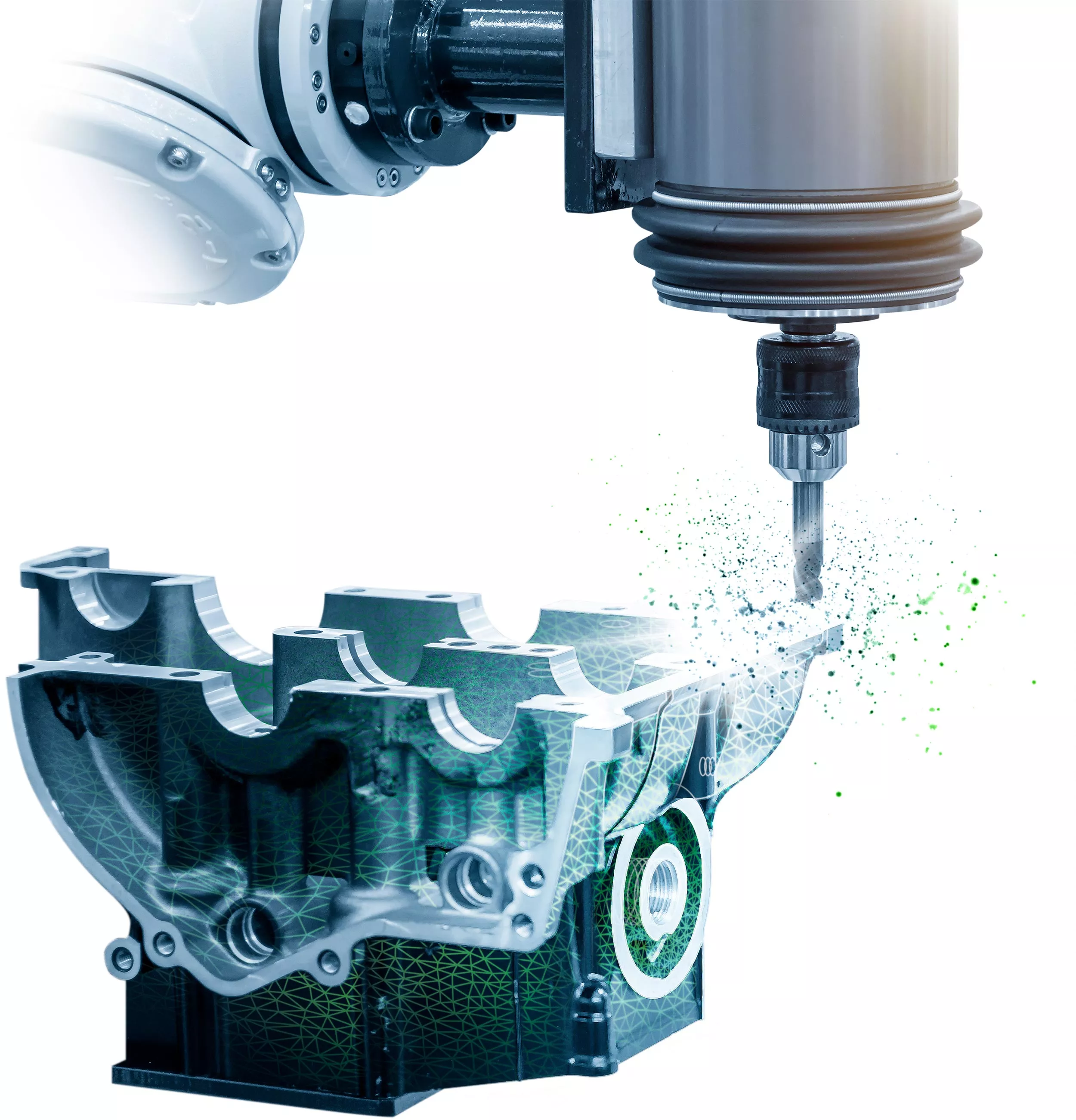
Digitize with compatible portable hardware or import supported point cloud data. Build a mesh during capture or process the data offline.
Prepare the mesh
Clean boundaries, repair holes, and refine noisy areas. Preserve the edges and surfaces that matter to the finished design.
Extract design geometry
Fit curves and NURBS surfaces to free-form shapes. With Premium, build dimensioned 2D sketches from scan sections and outlines.
Finish in CAD
Use the extracted geometry in your CAD/CAM workflow. Build editable solid features in your CAD application from transferred parametric sketches where supported.
See the modeling workflow
Polygonal modelingNURBS surface modelingParametric sketching for CAD
Product imagery from InnovMetric.
Reverse engineering tools
Point cloud meshing and polygon repair
Create a polygon model from measured points. Fill gaps, smooth selected areas, repair boundaries, and recover sharp edges. Premium adds advanced mesh operations such as offsets, boundary extrusion, fillet reconstruction, and Boolean operations with CAD models.
Curve networks and NURBS surfaces
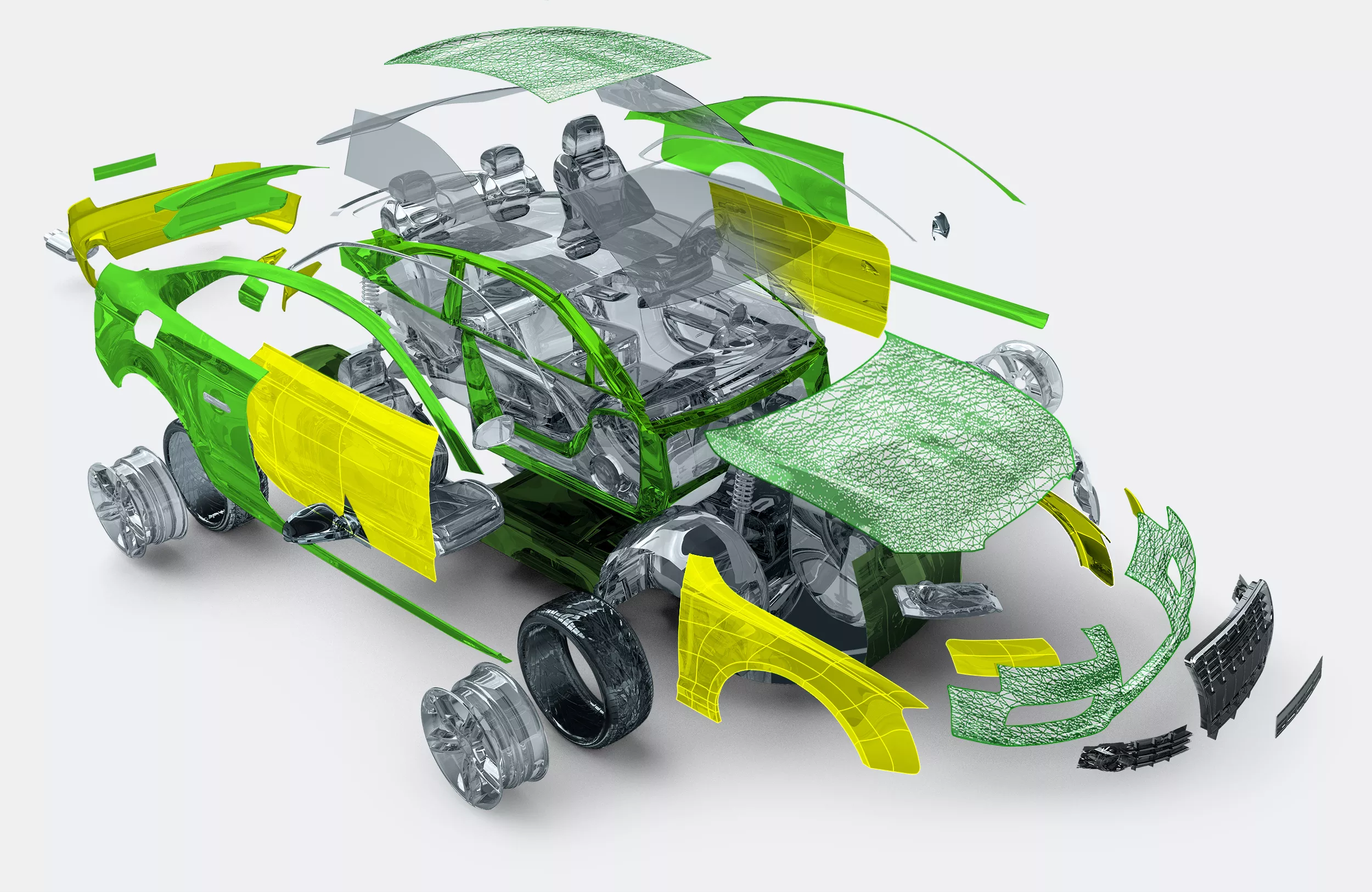
Place curves along key boundaries and transitions. Use them to define surface patches and fit a NURBS network to complex geometry. Adjust the fit to balance fidelity to the scan and surface smoothness.
Parametric sketches and CAD transfer
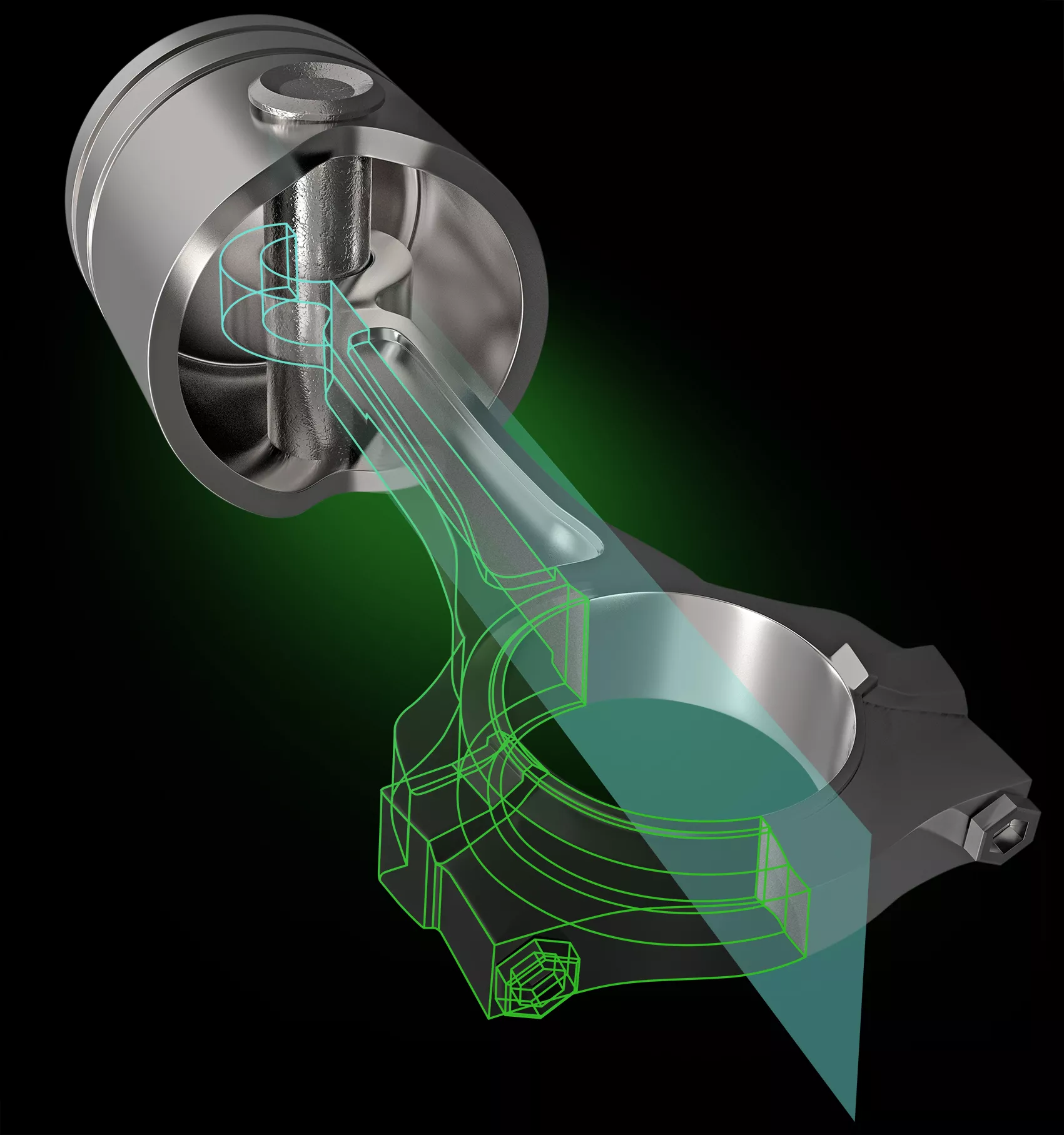
With Premium, slice the mesh or extract a silhouette, then fit lines, arcs, circles, and splines. Add dimensions and relationships before transferring the sketch through a supported add-in for SOLIDWORKS, Inventor, Creo, NX, or CATIA. Build the final solids in the receiving CAD application.
Where PolyWorks Modeler fits
Legacy replacement parts
Recover mounting faces, profiles, and other existing geometry when original CAD files are unavailable.
Tooling, molds, and castings
Rebuild curved surfaces, transitions, and boundaries to give downstream design and machining teams useful CAD geometry.
Aftermarket and custom design
Use existing geometry as a reference for new components that need to fit around a part or assembly.
Tell us what you’re scanning, which CAD software you use, and whether you need a repaired mesh, fitted surfaces, or editable sketches. Rapid Scan 3D can help you evaluate the workflow and choose a package.