


Secure Cloud Backup
Sync online and offline project data so Artec Studio progress and scan files remain safely backed up.


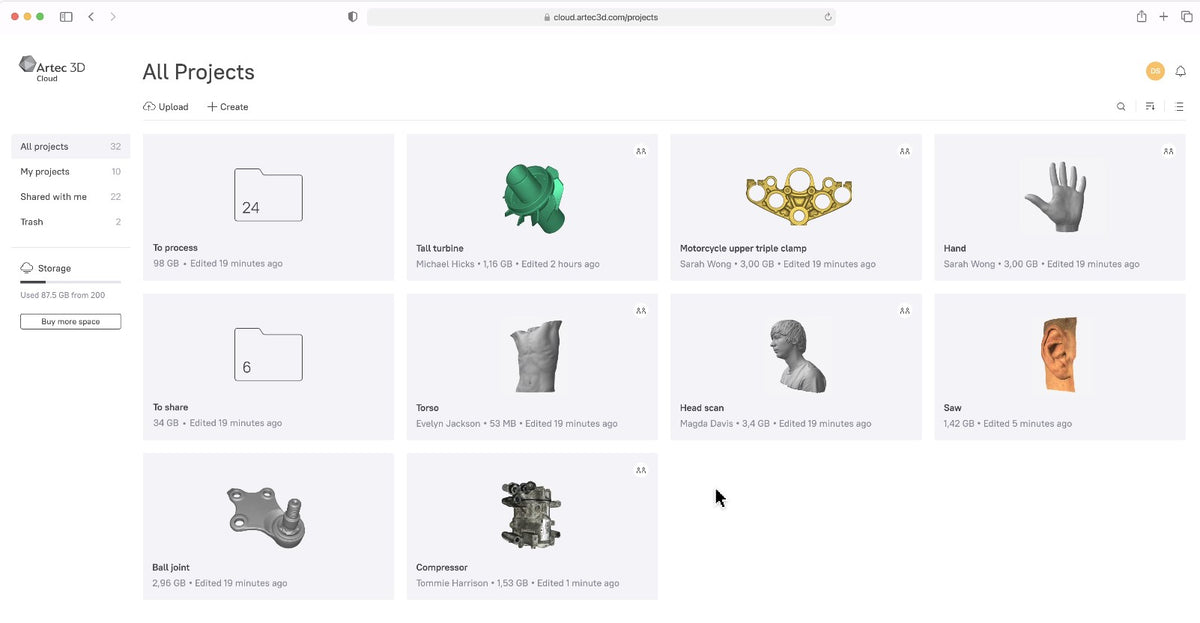
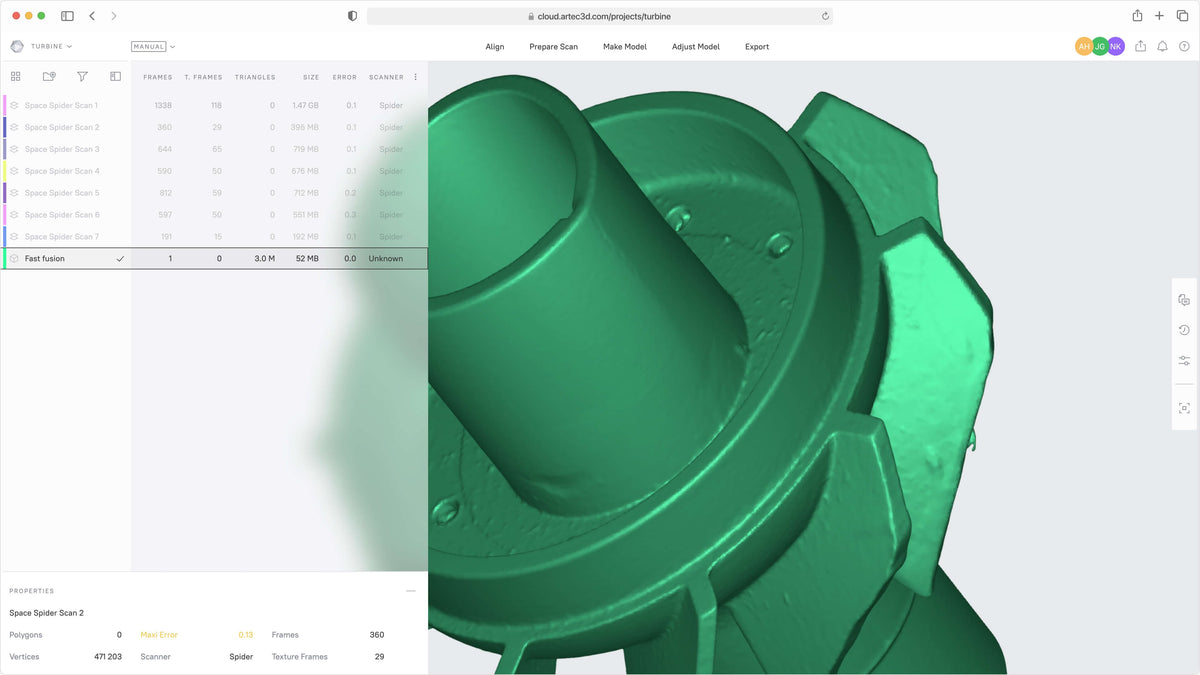
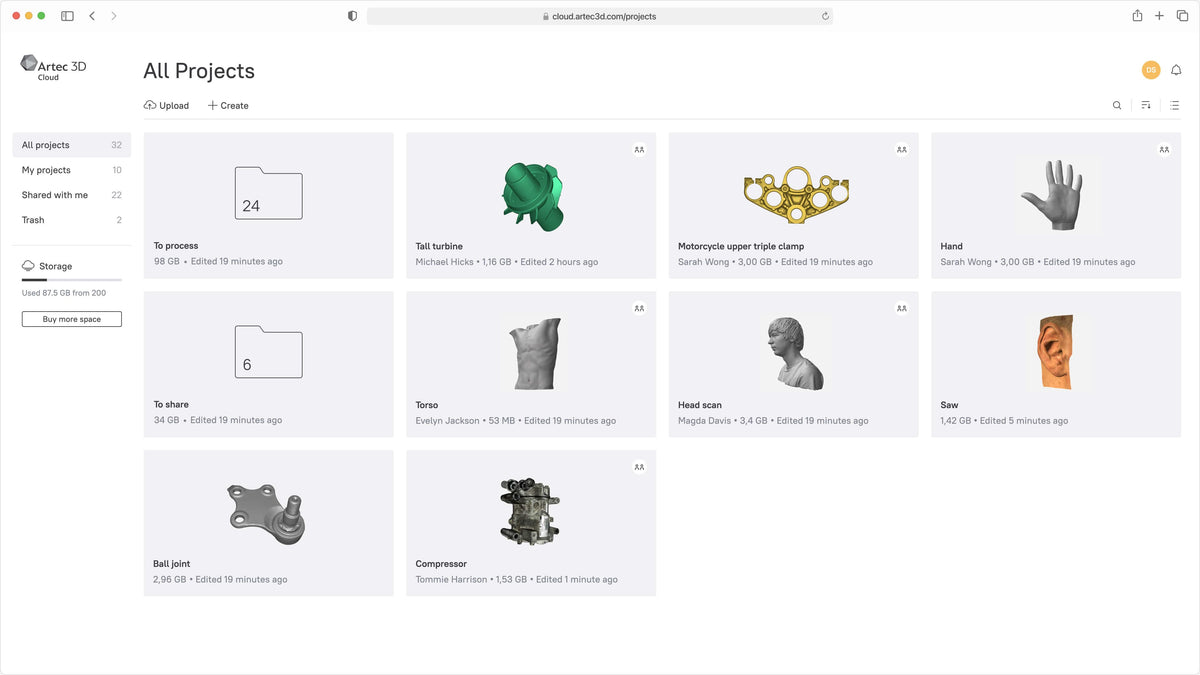
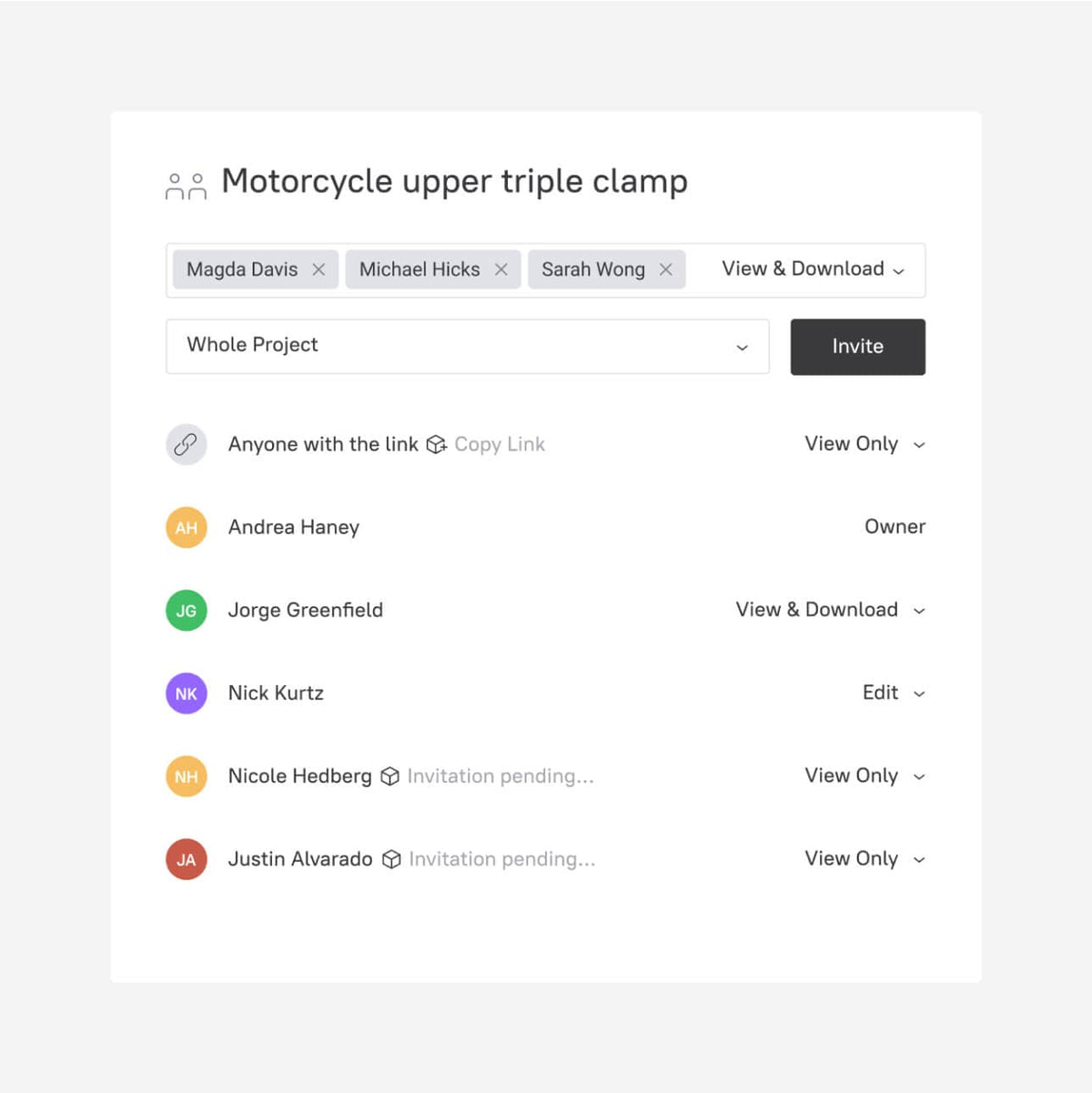


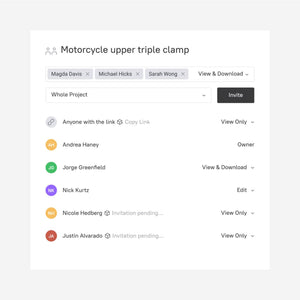

Artec Cloud lets you back up, store, sync, share, view, and organize 3D scan data directly in a browser. Collaborate with customers and coworkers, share interactive 3D models, preserve project history, and keep Artec Studio projects accessible from anywhere with an internet connection.

Artec Cloud is designed to keep 3D scanning projects secure, accessible, organized, and easy to share without requiring recipients to install dedicated 3D software.
Sync online and offline project data so Artec Studio progress and scan files remain safely backed up.
View scans and models in a browser without requiring a local Artec Studio installation.
Send project links to customers, coworkers, engineers, and reviewers for faster collaboration.
Collaborate around the project itself by adding feedback, comments, and supporting attachments.
Maintain a synchronized record of project changes to support editing, review, and iteration.
Embed models with an interactive player so viewers can rotate, zoom, and examine 3D content online.
1. Upload or sync: Send scans, models, CAD data, or complete Artec Studio projects to the cloud.
2. Organize: Create projects and folders, then duplicate projects when you need a new iteration.
3. Collaborate: Share links, receive comments, attach supporting files, and review project history.
4. View or download: Open 3D data in the browser or download project files for continued work.
Artec Cloud gives teams and customers a visual way to review scan projects without moving large datasets back and forth manually.
Open scan projects from a browser, review model geometry, rotate and zoom into 3D data, and keep collaboration centered around the actual project.
Artec currently offers three storage tiers, with monthly and annual billing options for paid plans.
| Plan | Storage | Best For | Included Capabilities |
|---|---|---|---|
| Free | 5 GB | Trying Artec Cloud, individual projects, light sharing | All core Artec Cloud features, including upload, sharing, viewing, collaboration, project organization, and export. |
| 200 GB | 200 GB | Regular professional 3D scanning and customer collaboration | Core Cloud features with significantly greater project and archive capacity. |
| 1 TB | 1 TB | Large scan libraries, teams, high-volume projects, Ray II datasets | Core Cloud features with the highest standard storage capacity. |
Artec states that yearly billing saves 16% compared with monthly billing. Contact Rapid Scan 3D for current licensing and organizational options.
Artec Cloud can be used independently, but its integration with Artec Studio creates a convenient backup and collaboration workflow for professional 3D scanning teams.
Sync online and offline data to back up Artec Studio project progress to the cloud.
Store and share cloud projects while using Artec Studio for advanced scan processing, reverse engineering, inspection, and modeling.
Give customers browser access to view project data without requiring them to purchase or install Artec Studio.
Artec Cloud is especially useful when projects involve large files, remote customers, distributed teams, multiple iterations, or long-term data retention.
Share completed models and project progress with customers without relying on oversized email attachments or local file transfers.
Centralize scan data, CAD files, inspection projects, and review comments for cross-functional teams.
Store raw scans, processed meshes, CAD references, and multiple project iterations in one organized cloud workspace.
Provide remote access to scan geometry and supporting files for review, documentation, and collaboration.
Keep project data accessible from different workstations while giving students, faculty, and collaborators easier access.
Store individual projects up to 200 GB, covering many workflows created with Eva, Space Spider, Leo, and Ray II.
Key information from Artec’s current Cloud product documentation.
| Access method | Web browser |
|---|---|
| Operating systems | Browser-based; compatible across operating systems including macOS |
| Mobile/tablet support | Currently designed primarily for desktop use |
| Free storage | 5 GB |
| Paid storage tiers | 200 GB and 1 TB |
| Maximum stable individual project size | Up to 200 GB |
| Artec Studio required? | No — Artec Cloud can be used independently |
| Artec Studio integration | Yes — supports syncing and backing up Artec Studio project progress |
| Collaboration | Share links, comments, attachments, project iteration, browser viewing |
| 3D viewer | Interactive browser-based viewer with rotate and zoom |
| Multi-device data | Supported |
| Project organization | Folders, duplication, project creation, downloads, and export |
| Team / organization plans | Available by contacting Artec / reseller |
Rapid Scan 3D is an authorized Artec 3D reseller, Gold Certified Partner, and Artec Ambassador with more than 15 years of professional 3D scanning experience.
We can help determine the appropriate storage tier based on scanner type, project size, number of users, and collaboration requirements.
Get help setting up an efficient workflow between local Artec Studio processing and cloud backup, sharing, and customer review.
We can help your team understand project syncing, data organization, sharing, collaboration, and broader Artec workflows.
Common questions about storage, free accounts, browser access, Artec Studio, project size, collaboration, operating systems, and team plans.
Tell Rapid Scan 3D which scanners you use, typical project sizes, how many users need access, whether customers need browser-based review, and how you currently store and share 3D scan data.